Clients kept asking for a cleaner way to keep the next action from disappearing after the meeting, the email, or the quick decision. Moves gives you one place to turn intention into action before momentum fades.

That moment is where momentum usually gets lost, and it kept showing up in client work. Moves is built for the handoff between intention and action: capture the next move while it is still fresh, keep it visible, and make follow-through easier to see.
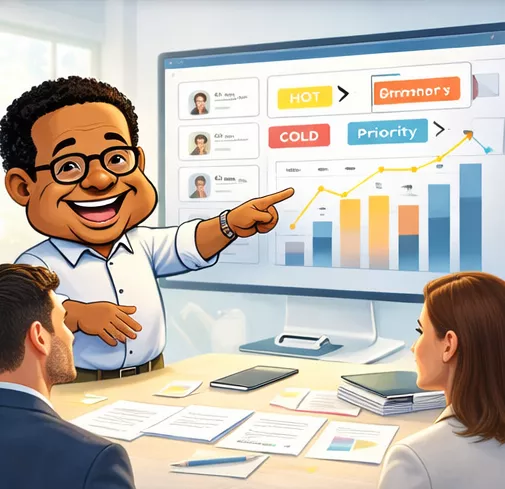
You stop hoping the next action survives the day and start giving it a place to live until it is done.
That is the difference between talking about work and moving it.
Moves is focused on the fragile part of work: the space between a decision and the next action. The point is not to collect more to-dos. The point is to keep one next move visible enough to happen.
Capture the next move while the need is still clear.
Make the owner, timing, and action visible enough to follow.
Keep the action in motion instead of letting it disappear into the background.
Close the loop so the original intention becomes real follow-through.
Start with the next action that is most likely to get lost today. Put that one move into the app and use it to keep follow-through visible.
As the work grows, the value comes from seeing where execution is moving, where it is blocked, and what needs intervention before it slips.
Use the part of the workflow that matches what you need right now.
Open Moves and start the task workflow from the main entry point.
Jump straight into creating the next task while the work is still clear.
Review the bigger picture and see which work needs attention right now.
Browse the full set of tasks and inspect what is moving, blocked, or due.
See what needs to happen next without depending on memory or meetings.
Know where the work stands instead of guessing whether it moved.
Use Moves to keep work visible until it finishes, not just until it gets assigned.

Create the task. Review the work. Track the signal. Finish the move. That is the Moves pattern.
Moves is for creating tasks, tracking execution, and keeping work visible until it is finished.
No. It is built to make the next action visible, show momentum, and keep execution tied to real work.
Yes. Moves is designed so people can understand the workflow, create initial tasks, and then decide how broadly they want to use it.
Moves gives TODD the execution layer. It connects to network, outreach, documents, and survey signal so the next action does not disappear.
Start with one move. Capture the action, give it a place to live, and make sure it does not rely on memory.
Need the broader story? See TODD
