Vision Pro launched with a lot of hype about revolutionizing how we compute. What actually held up: a specific set of use cases where spatial computing genuinely helps, and a specific set of limitations that haven't gone away. Taliferro breaks down both, honestly.
Published: 11 Jun 2023 · Updated: 17 Aug 2026
Co-Founder Taliferro
Since launch, Vision Pro has matured with a broader app ecosystem and better workflows for productivity and media. Spatial UX and comfort constraints still matter, though — the guidance below reflects where things actually stand, not the launch-week pitch.
Quick decision checklist
Spatial computing means apps live in 3D space around you instead of being trapped in a flat rectangle — windows get placed wherever's convenient, and interaction happens through eye tracking, hand gestures, and voice instead of a mouse and keyboard. That's a genuinely different interaction model, not just a bigger screen strapped to your face.
In practice, that hands-free control is what makes multi-window work feel different from a normal desktop — you can arrange several tasks in the space around you and move between them by looking and gesturing, which some workflows benefit from and others don't need at all.
The use cases that have held up: immersive media (movies and shows genuinely benefit from Spatial Audio and a personal-theater-sized virtual screen), multi-window productivity for people who want several reference documents visible at once, design and 3D review where seeing a model at real scale matters, training and simulation, and remote collaboration where a sense of shared presence actually changes the interaction.
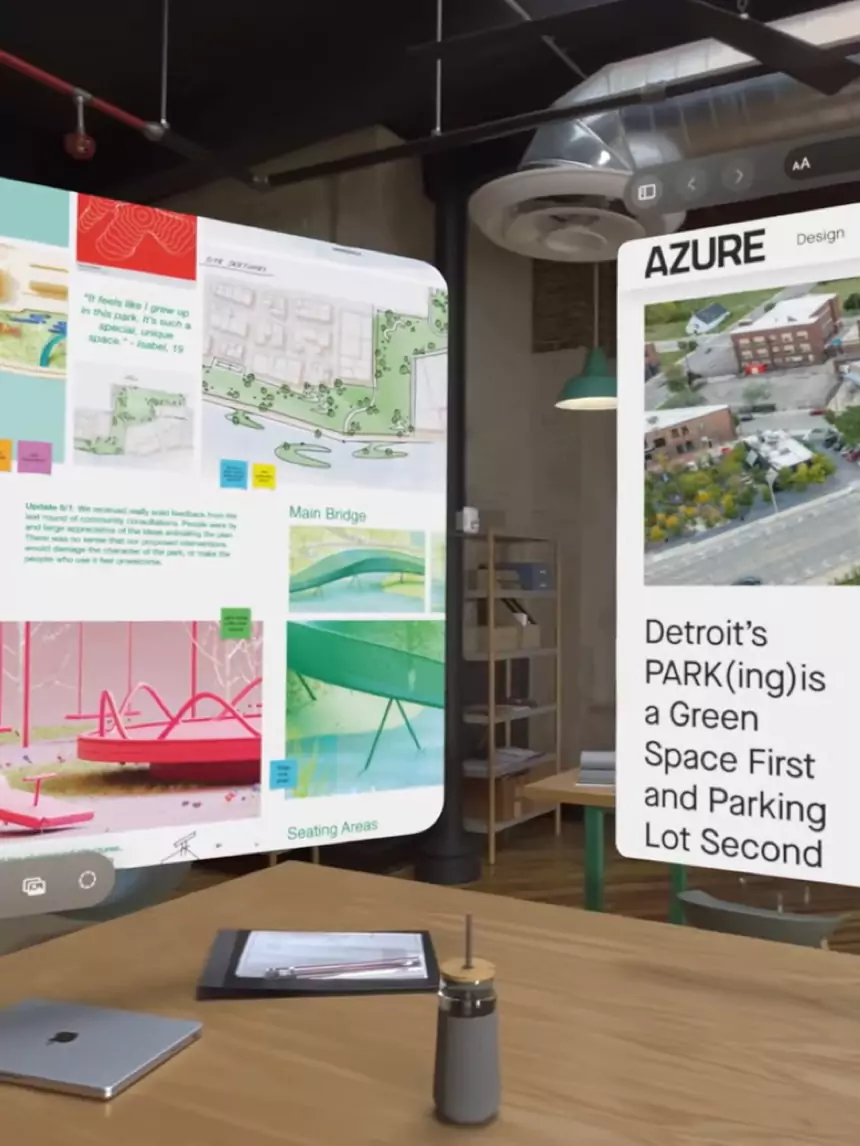
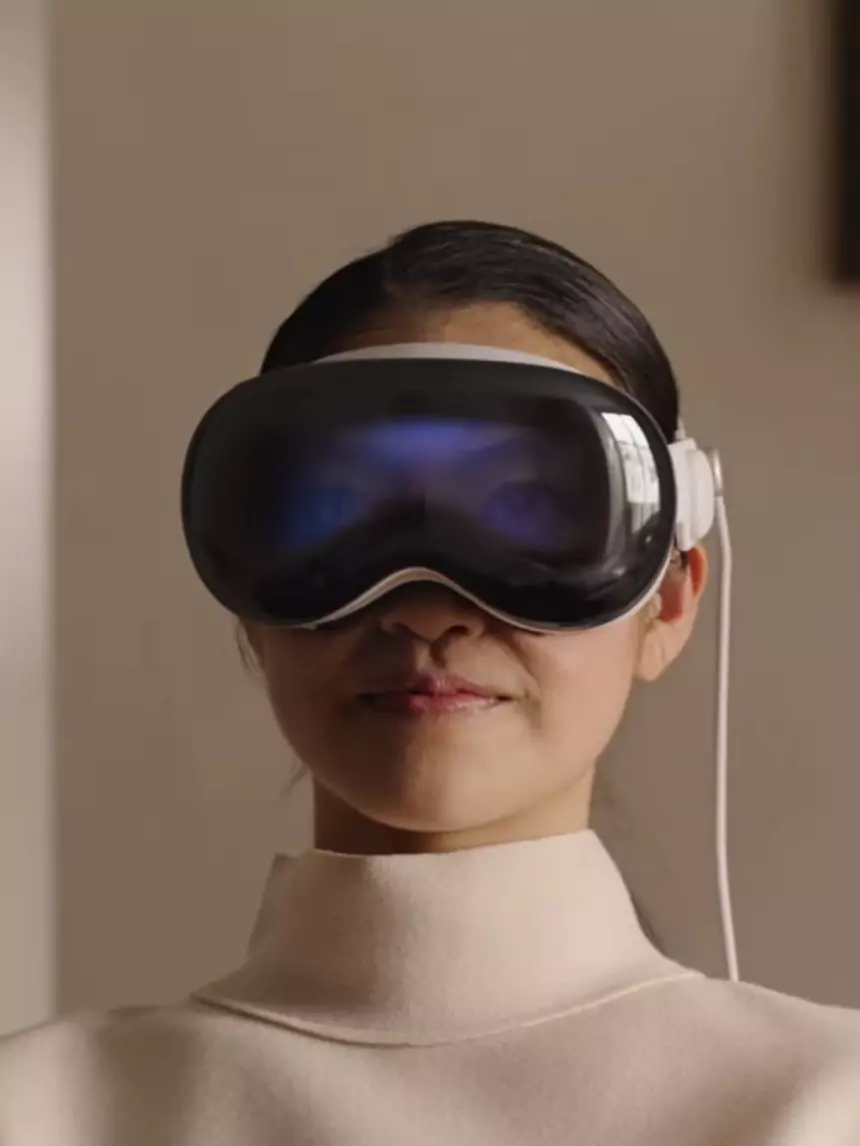
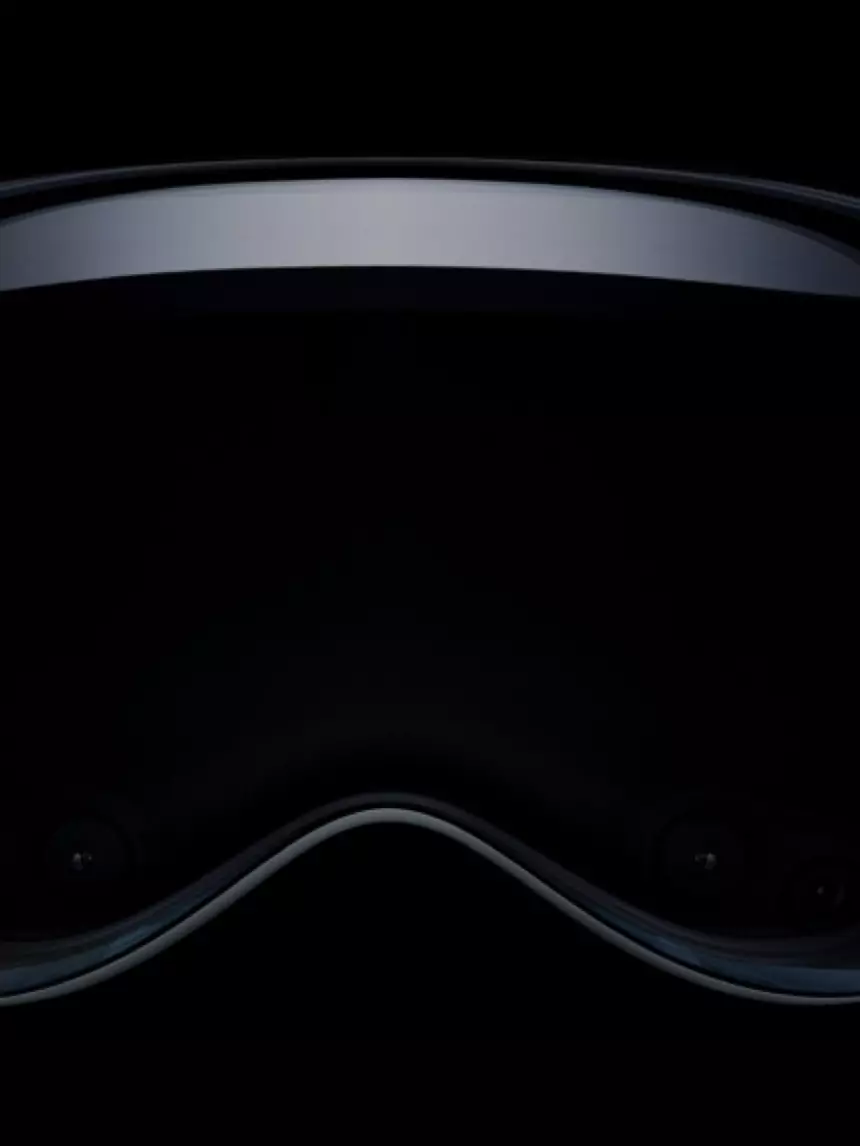
The display is the one area where reviews have been consistently positive — high enough resolution that text is genuinely readable and video looks sharp, which matters for a device you're expected to wear for extended sessions. 3D interaction with digital content is convincing enough that design and review workflows are one of the strongest real use cases rather than a marketing demo.
Comfort during long sessions is still a real constraint — this is a headset, and headsets have weight and heat limits that software updates don't fix. Social awkwardness in shared spaces is real too: wearing it around other people who aren't wearing one changes the dynamic in a room. Battery habits require planning, and app gaps mean the device is only as useful as whichever handful of apps you actually need existing and working well.
The honest takeaway: your workflow has to fit the device, not the other way around. That's not a knock on the hardware — Apple's execution on the display and spatial audio is genuinely strong — it's a reminder that "revolutionary" and "ready to replace your laptop" are different claims, and only the first one is currently true.
Spatial computing means your apps live in 3D space around you instead of being trapped in a flat screen. You place windows where you want and interact with your eyes, hands, and voice.
The strongest use cases are immersive media, multi-window productivity, design and 3D review, training and simulation, and remote collaboration where “being present” matters.
Comfort for long sessions, social awkwardness in shared spaces, battery habits, and app gaps. Even with improvements, your workflow has to fit the device—not the other way around.
Not for everyone. It can replace a monitor for focused work sessions, but most people still keep a laptop nearby for faster text entry and traditional multitasking.
Confirm app availability, test comfort and fit, check your Wi‑Fi stability, and make sure your daily routine includes a place where wearing a headset makes sense.
It can be great for training, design reviews, and guided workflows. The win is consistency and immersion. The challenge is cost, device management, and picking the right scenarios.
Define one measurable goal (time saved, errors reduced, better reviews), test it for a few weeks, then decide. If you can’t define a goal, you’re not ready to buy.
Tyrone ShowersStart with system design that removes drag, connect it to the Momentum System, or book a short consult.
Want this fixed on your site?
Tell us your URL and what feels slow. We’ll point to the first thing to fix.
Explore Taliferro's free tools: Ask TODD · Find · Email Signature Builder · SayIt · Lead Vault · Meet Maya — or become an affiliate.
More from the blog
