Taliferro • TODD • Pulse • Surveys • Signal • Feedback

Ask better questions. Get signal you can use.

Pulse helps teams create surveys, gather feedback, and understand what people are saying before they make the next move. It turns response into signal instead of leaving feedback scattered across forms, email, and memory.

Create surveys fast
Gather real feedback
Watch response signal
Use insight to decide next steps
1 placefor survey signal
Create, review, and act on feedback without chasing it across tools.
Clearresponse visibility
See what is landing, what is missing, and where attention is needed.
Betternext moves
Pulse helps teams respond to what people actually said, not what they assume.
TODD Pulse survey and response view
Survey signal with visible response

Start here

  • Create a survey in Pulse
  • Review what has already been sent
  • Watch response patterns build
  • Use feedback to guide the next move
Why Pulse exists

Most organizations do not have a survey problem. They have a signal problem.

Feedback often gets collected, then ignored, misplaced, or reduced to noise. Pulse helps teams ask clear questions, gather responses, and actually use the answers in a way that shapes decisions.

  • Create quickly. Start the survey without getting buried in setup.
  • Capture honest response. Turn raw feedback into something visible.
  • Read the signal. See patterns instead of isolated comments.
  • Act with confidence. Use the survey signal to guide what happens next.
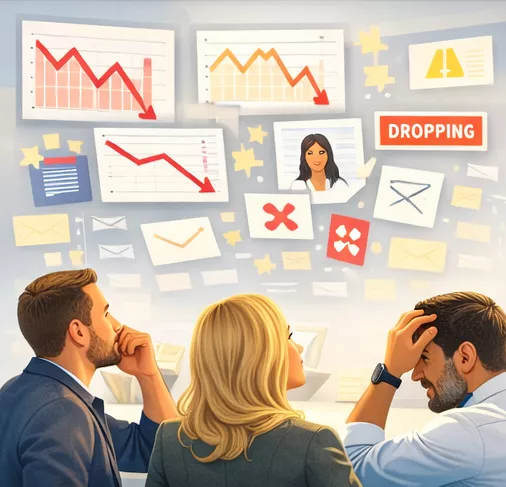
Pulse engagement and survey signal illustration
Pulse turns feedback into visible signal

The real value

You stop guessing what people think and start seeing response clearly enough to act.

That is the difference between collecting feedback and using it.

How Pulse works

Create, gather, and learn.

Pulse is structured around the life of a survey. The point is not to send a form and forget it. The point is to gather response and use that signal to make better moves.

1) Create

Build the survey and shape the questions so the signal is worth reading.

Route: Pulse

2) Publish

Send the survey when it is ready and make the question visible to the right audience.

Route: Pulse publish flow

3) Observe

Watch responses build so you can see participation and emerging patterns.

Route: Survey list + response review

4) Decide

Use what people actually said to guide the next move instead of relying on instinct.

Route: Insight from Pulse signal

What you can do today

You can explore Pulse, create surveys, and understand the workflow before you decide how far to take publishing and scale.

Create freely
Review surveys
Gather response
Read the signal

What matters later

As survey activity grows, Pulse helps teams move from simple collection to repeatable signal they can use across teams, programs, and outreach.

  • Better survey discipline
  • Clearer response visibility
  • Feedback you can act on
Common places to start

Three ways into Pulse.

Use the part of the workflow that matches what you need right now.

What Pulse gives you

Feedback with visible signal, not scattered opinion.

Clear questions

Start with survey design that makes the responses worth reading.

Visible response

Use Pulse to see what is coming back instead of wondering whether anyone engaged.

Better next decisions

Use the signal to shape the next message, move, or adjustment.

TODD Pulse insight and response
The point is not collecting more forms. The point is understanding what people are saying.

Simple flow

Create the survey. Gather the response. Read the signal. Decide what happens next. That is the Pulse pattern.

FAQ

Questions people ask about Pulse.

What is Pulse for?

Pulse is for creating surveys, gathering feedback, and turning response into signal that helps teams make better decisions.

Is Pulse just a survey builder?

No. It is a way to create, publish, review, and use survey response so feedback actually shapes what happens next.

Can I explore Pulse before I commit to using it deeply?

Yes. Pulse is designed so people can explore the workflow, understand the product, and then decide how broadly they want to use it.

What makes Pulse useful inside TODD?

Pulse fits the larger system. It helps teams gather signal that can inform outreach, moves, documents, and what happens next across the workflow.

Next step

Want to see how Pulse fits your flow?

Open Pulse, review survey activity, or jump straight into creating a survey and see how feedback becomes useful signal inside TODD.

Need the broader story? See TODD

Best first clicks

  • Pulse to start the survey workflow
  • Survey List to review what already exists
  • Create Survey to jump right into building
  • Use the response signal to guide the next move
Feedback needs signal
See what Pulse looks like before you send the next survey.