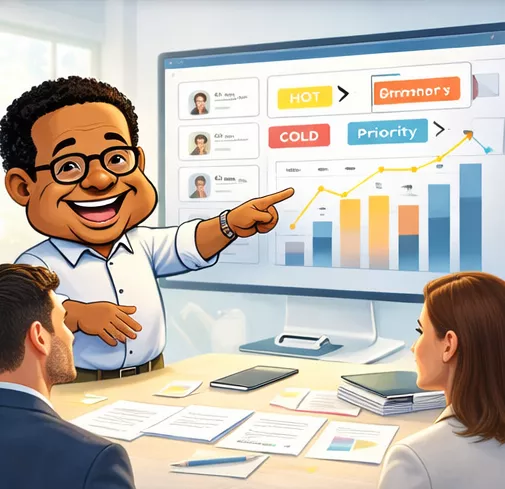
Moves helps teams create tasks, track execution, and keep momentum visible. It turns scattered follow-up into clear next actions so the important work does not disappear between meetings, messages, and memory.
Work gets discussed, assigned loosely, and then disappears into the cracks. Moves gives teams a clear place to create the next action, see what is active, and keep momentum visible until the work is done.
You stop wondering what happened to the task and start seeing the next move clearly enough to finish it.
That is the difference between talking about work and moving it.
Moves is structured around the life of a task. The point is not to collect more to-dos. The point is to make the next action visible, track execution, and keep the work moving until it is done.
Start the task and capture the next move while it is still clear.
Use dashboard and list views to see what is active and what is slipping.
Track status, ownership, and follow-through so the work stays visible.
Keep momentum clear until the task closes instead of fading into the background.
You can explore Moves, create tasks, and see how the execution workflow works before deciding how broadly to use it.
As the work grows, the value comes from seeing where execution is moving, where it is blocked, and what needs intervention before it slips.
Use the part of the workflow that matches what you need right now.
Open Moves and start the task workflow from the main entry point.
Jump straight into creating the next task while the work is still clear.
Review the bigger picture and see which work needs attention right now.
Browse the full set of tasks and inspect what is moving, blocked, or due.
See what needs to happen next without depending on memory or meetings.
Know where the work stands instead of guessing whether it moved.
Use Moves to keep work visible until it finishes, not just until it gets assigned.
Create the task. Review the work. Track the signal. Finish the move. That is the Moves pattern.
Moves is for creating tasks, tracking execution, and keeping work visible until it is finished.
No. It is built to make the next action visible, show momentum, and keep execution tied to real work.
Yes. Moves is designed so people can understand the workflow, create initial tasks, and then decide how broadly they want to use it.
Moves gives TODD the execution layer. It connects to network, outreach, documents, and survey signal so the next action does not disappear.
Open Moves, review the dashboard, or jump straight into creating a task and see how execution becomes visible momentum inside TODD.
Need the broader story? See TODD