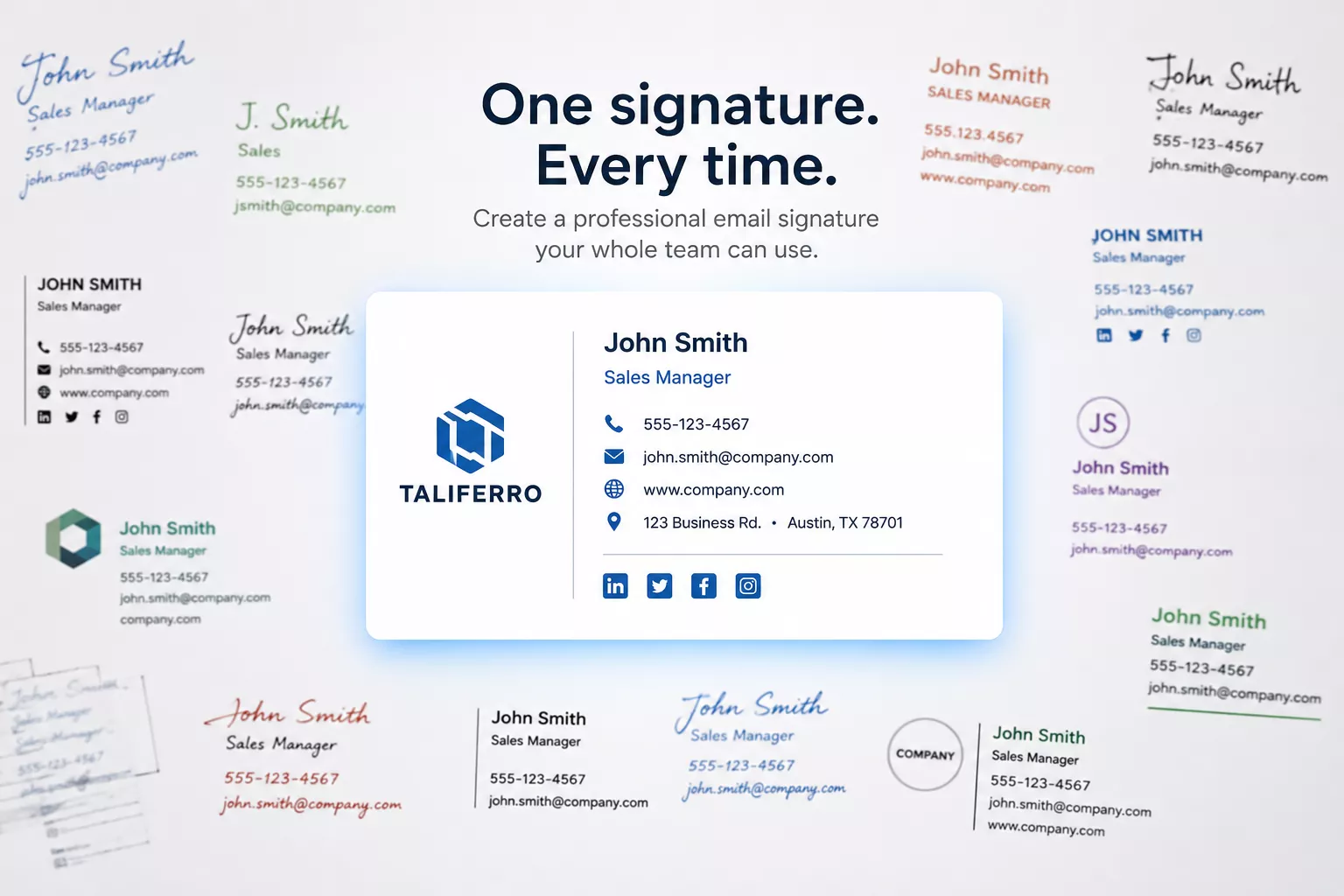
Every employee sends the brand into the world dozens of times a day. Taliferro’s free builder helps teams create clean, consistent signatures without broken images, strange spacing, or everyone inventing their own version.
Access
Free to use. Built as a small but useful answer to a surprisingly common operational annoyance.
Most signature generators output modern CSS — the kind that looks fine in the tool that made it, then falls apart the moment it lands in an actual inbox. Gmail, Outlook, Apple Mail, and Yahoo Mail each strip or rewrite that CSS differently, which is why the same signature can look perfect for you and broken for the person you emailed.
The Fix
This builder outputs old-school table-based HTML — the one format nearly every email client still renders the same way, because tables have been the safe default in email since before modern CSS existed. It's less elegant to look at in the code. It's also why the logo, spacing, and layout actually survive the trip.
Fill in your name, title, company, and contact details, then shape how it looks and what it does.
Choose a template, pick an accent color, add a short tagline, and upload a logo — all reflected instantly in a live preview beside the form.
Turn on a CTA button with its own label and link — "Book a quick call," "See our latest case study," whatever gets used, pointed wherever you want it to go.
Gmail, Outlook, Apple Mail, and Yahoo Mail each get their own numbered steps, so you're not guessing which settings menu to dig through.
